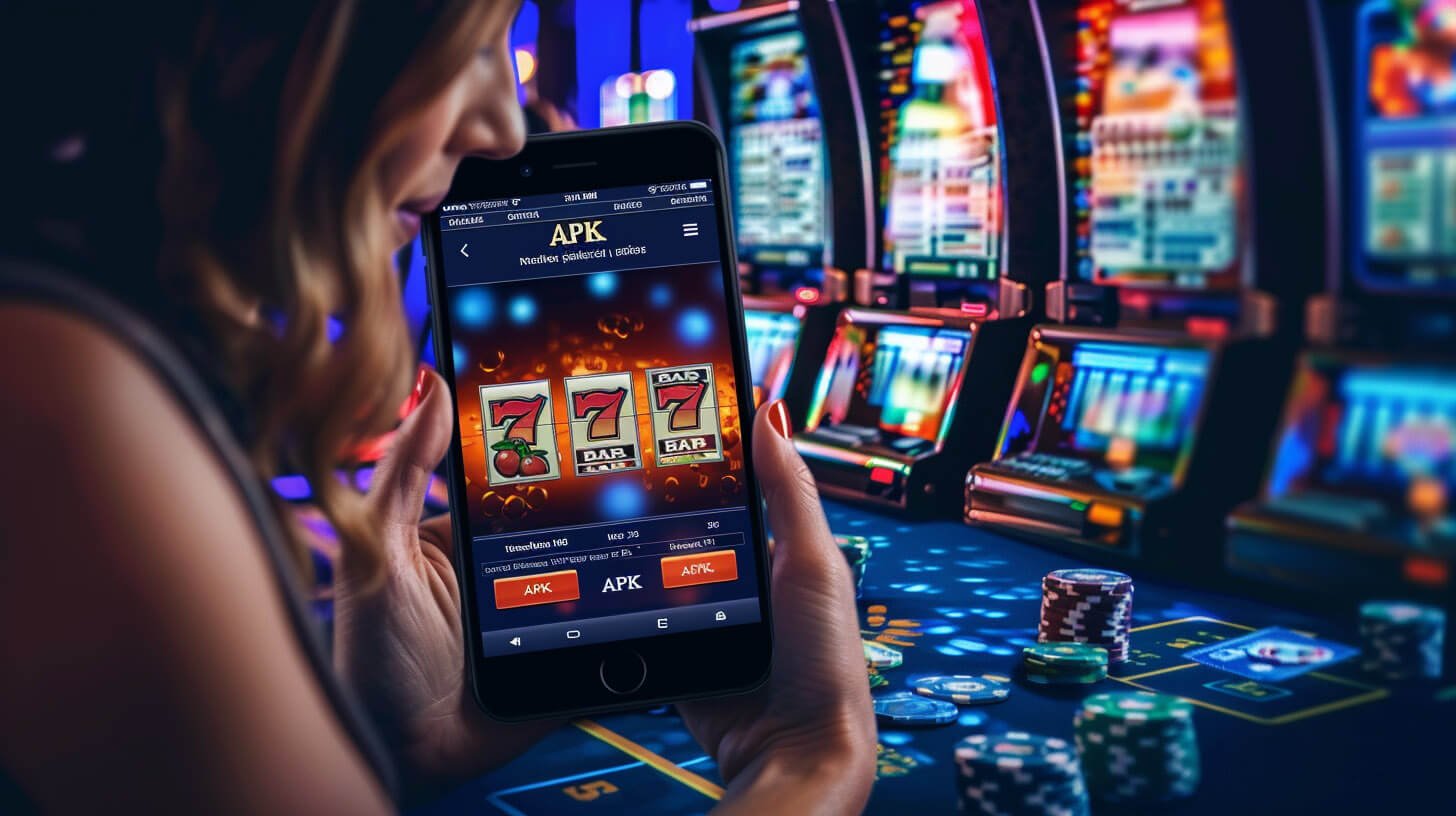
Mobile App Philippines

The nustar link App – Your Complete Mobile Gaming Platform for the Philippines

Take the full nustar link experience wherever you go. Slots, eBingo, fish games, sports betting, and account management — all in one app designed for Filipino players.

Android APK iOS Compatible OTP & SSL Secured Fast Loading
nustar link

Three Ways to Access nustar link on Mobile

Whether you prefer a native app or jumping straight into a browser, nustar link is built to work smoothly across all access methods.

Most Popular

Android App

Download the nustar link APK directly to your Android device. Install in minutes and access the full game library, live betting, deposits, and account settings — all from your home screen.

  • Compatible with Android 8.0 and above
  • Direct APK download, no third-party store needed
  • Push notifications for live events and draws
  • Automatic updates available in-app
iPhone & iPad

iOS App

iPhone and iPad users can access nustar link through the dedicated iOS app. The interface is tailored for Apple devices and delivers a clean, responsive gaming experience on all screen sizes.

  • Compatible with iOS 14 and above
  • Optimised for iPhone and iPad displays
  • Face ID and Touch ID account access support
  • Full game library and betting features included
No Download Needed

Mobile Browser

Prefer not to install anything? Open nustarlink.net in any mobile browser and play instantly. The site is fully responsive and works on Chrome, Safari, Firefox, and other modern browsers.

  • Works on any modern smartphone browser
  • No download or storage space required
  • Full access to all games and account features
  • Instant play — open and start in seconds

How to Install the nustar link App on Android

Setting up the nustar link app on your Android device is straightforward. Just follow these steps and you will be ready to play in minutes.

1
Allow Unknown Sources

Go to your Android Settings, then Security or Privacy. Enable the option to install apps from unknown sources or allow installation from your browser.

2
Download the APK

Visit nustarlink.net in your phone browser and navigate to the App page. Tap the download link to save the nustar link APK file to your device.

3
Install the App

Open your downloads folder, tap the APK file, and follow the on-screen prompts to complete installation. The process takes under a minute on most devices.

4
Log In or Register

Open the nustar link app from your home screen. Log in to your existing account or register a new one. Your full game library is ready immediately after signing in.

Register Free

iOS users: Tap the Share button in Safari and select "Add to Home Screen" to create a shortcut for instant browser access. The full nustar link experience is available without a separate download on iOS devices as well.


nustar link

Built for the Way Filipinos Actually Play

Mobile gaming in the Philippines has grown enormously over the past few years, and it is easy to understand why. Most Filipino players are not sitting at a desktop computer when they want to enjoy a few rounds of slots or place a bet on a PBA game. They are on their phones — commuting, waiting, or relaxing at home in the evening.

nustar link was designed with this reality in mind from the start. The app and mobile browser experience are not afterthoughts or stripped-down versions of a desktop site. They are full-featured platforms that give you access to everything: the complete slots library, live eBingo sessions, fish games, sports betting on basketball, boxing, football, esports, and more — all working smoothly on the screen in your pocket.

For players in Metro Manila dealing with traffic and unpredictable commute times, having a reliable mobile platform means you can play on your own schedule rather than waiting until you get home. For players in Cebu or Davao who may be accessing the platform on mobile data rather than a fixed connection, the app is optimised to load quickly and run stably even when signal strength is not ideal.

Secure Mobile Account Access

Security on mobile is taken seriously at nustar link. Every login session is protected with OTP verification, and the app supports biometric authentication on compatible Android and iOS devices. All data transmitted between your device and the platform is encrypted using SSL, so your personal details and transaction records remain private and protected at all times.

Your account is the same across all access methods — desktop browser, mobile browser, and the native app all sync to the same balance, game history, and settings. There is no need to manage separate accounts or worry about which version you last used.


Everything You Need in the nustar link App

The nustar link mobile app is not just a way to access games. It is a complete platform with the tools and features Filipino players rely on.

Full Game Library

Every game available on the desktop site is accessible through the app — slots, eBingo, fish games, and live casino options are all there with no content restrictions on mobile.

Live Sports Betting

Follow and bet on PBA basketball, NBA, boxing, volleyball, football, and esports in real time. Odds update live in the app so you never miss a shift in the action.

Deposit & Withdraw in PHP

Fund your account and request withdrawals directly through the app in Philippine Peso. Supported channels include GCash, Maya, bank transfer, and online banking.

Push Notifications

Get notified about live draw results, sports events you are following, promotional updates, and important account activity — straight to your phone in real time.

Account Management

Update your profile, review transaction history, check game records, and manage security settings including password and OTP preferences — all from within the app.

In-App Support Access

Reach the nustar link support team directly from the app whenever you need assistance. The support function is available around the clock for all account and game-related queries.

nustar link

App vs Mobile Browser vs Desktop

All three access methods give you the full nustar link experience. Here is how they compare across key features.

Feature Android App iOS App Mobile Browser Desktop Browser
Full Game Library Yes Yes Yes Yes
PHP Deposits & Withdrawals Yes Yes Yes Yes
Push Notifications Yes Yes Limited No
Biometric Login Yes Yes No No
Home Screen Shortcut Yes Yes Via Add to Home Bookmark only
Download Required APK download App install No download No download
OTP & SSL Security Yes Yes Yes Yes

Getting the Most from the nustar link Mobile Experience

Once you have the nustar link app installed or have bookmarked the site on your mobile browser, a few small habits make the experience smoother and more enjoyable.

Keep Your App Updated

nustar link releases app updates periodically to improve performance, add new features, and address any compatibility issues with newer Android or iOS versions. Keeping the app up to date ensures you always have the best possible experience and access to the latest games and betting options.

Enable Push Notifications for Sports Events

If you follow PBA games, international basketball, or other live sports, enabling push notifications in the nustar link app means you will be alerted when events you are interested in are about to start. This is especially useful for late-night international matches where you might otherwise lose track of kick-off or tip-off times.

Use a Stable Connection for Live Games

For live casino tables, real-time sports betting, and eBingo draws, a stable internet connection — whether Wi-Fi or a solid LTE/5G signal — makes for a much smoother experience. If your connection drops during a live session, the nustar link platform is designed to reconnect automatically where possible, but a strong signal from the start is always better.

Set Up Biometric Login for Faster Access

On compatible Android and iOS devices, you can enable fingerprint or face recognition for logging in to the nustar link app. This makes accessing your account faster and means you do not need to type your password every time you want to check a live score or jump into a quick slots session.

Manage Your Deposits Through the App

The nustar link app includes the full deposit section, where you can top up your account in PHP using your preferred local payment method. Processing is handled securely and funds are typically reflected quickly in your balance, so you can move straight from depositing to playing without delays. Visit the Deposit page on desktop for a full overview of available payment options.

The nustar link mobile platform is one of the most complete gaming experiences available for Filipino players. Whether you play slots, bet on basketball, enjoy eBingo sessions, or prefer fish games, everything you need is available on your phone — securely, in PHP, and with round-the-clock support whenever you need it.


nustar link
Check Current Promotions

nustar link runs regular promotions for both new and existing players. See what offers are available on the Promotions page.

Explore All Games

Slots, eBingo, fish games, and betting — the full nustar link library is available on your phone right now.


Common Questions About the nustar link App

Here are the questions Filipino players ask most often about downloading and using the nustar link mobile app.

Yes, the nustar link app is completely free to download and install on both Android and iOS devices. There are no fees associated with downloading the app itself. You only need funds in your account when you wish to play games or place bets, and all transactions are processed in Philippine Peso through the deposit section.

No. Your nustar link account works across all platforms — the Android app, iOS app, mobile browser, and desktop browser all use the same login credentials and display the same balance and game history. There is no need to create separate accounts. Just log in with your existing details, or register once and use that account everywhere.

Yes. The nustar link APK is the official app file distributed directly by the platform. Always download it from nustarlink.net to ensure you are getting the genuine file. The app uses SSL encryption and OTP-based login verification to keep your account and personal data secure. Avoid downloading APK files from unverified third-party sources to stay protected.

Yes. The deposit and withdrawal functions are fully available within the nustar link app. You can fund your account in Philippine Peso using local payment options such as GCash, Maya, online banking, and bank transfer. Withdrawal requests are also processed through the app. For a full list of available payment channels and current processing details, visit the Deposit page.

21+

Responsible Mobile Gaming at nustar link

The convenience of mobile gaming means it is easier than ever to play at any time of day. nustar link is strictly for players aged 21 and above. Because mobile access is always available, it is especially important to set personal limits before you start — decide on a budget in PHP and a time limit for each session, and stick to both.

Online gaming is a form of entertainment. If you ever feel that your gaming habits are becoming difficult to manage or are affecting other areas of your life, take a break and speak to someone you trust. Support is available. nustar link encourages all players to be mindful of their gaming behaviour and to use the platform responsibly.